Have you ever wondered which set of instructions actually keeps a shop running—motion commands or machine commands?
The short answer: both. In modern cnc manufacturing, geometry directives steer the tool path while miscellaneous commands run the hardware that makes cutting safe and repeatable.
Before numerical control, shops fed punch cards and tapes and suffered lost production when media failed. Today, CAD creates specs and CAM translates them into readable files that your machines follow.
Understanding the two code families lets you pair motion with machine actions like spindle start, coolant, and tool change so parts come out right and downtime shrinks.
This introduction will show who benefits from fluency—programmers, operators, supervisors, and QA—and why a clear grasp of these codes improves throughput, reduces scrap, and helps you tune feeds, speeds, and sequences on the shop floor.
The Role of Machine Programming in CNC Manufacturing
Machine programming is the backbone that turns a digital part model into repeatable, shop-floor action.
From punch cards and tapes that tore or misfed, numerical control evolved into today’s CNC era. Standardized RS-274D made motion instructions reliable, while CAD defines geometry and CAM converts that geometry into machine-ready code.

From punch cards to CAD/CAM: how CNC programming evolved
You moved from fragile media to editable digital programs that store revisions, speed up setup, and reduce errors. CAM and post processing automate many steps, yet complex multi-tool parts often need manual tweaks before a safe run.
Why modern CNC efficiency depends on accurate code
Accurate programming protects throughput. A wrong work offset or unit selection can create scrap, rework, and missed delivery dates.
Well-structured programs let engineers validate feeds, speeds, and sequences in software so machines cut right the first time. As you scale, version control and clear documentation help replicate success across cnc machines and shifts.
What Are G Codes in CNC Programming?
Geometry commands define each move the cutter makes, from fast transfers to smooth arcs.
“G” stands for geometry: defining motion and paths
These directives tell the machine where to go and how to get there. Rapid moves (G00) and controlled feeds (G01) position the tool for cutting or inspection.
Arcs use circular interpolation (G02 clockwise, G03 counterclockwise) and need endpoints plus I/J center offsets or an R radius. Dwell (G04) pauses the spindle for timed actions.
Modal behavior, planes, and coordinate systems you’ll use
Modes stick until changed. Set the plane (G17 XY, G18 XZ, G19 YZ) and it stays active for arc math and moves.
Units (G20 inch, G21 metric) and work offsets (G54–G59) control positioning so different tools and setups hit true locations. Use tool length and cutter compensation (G43; G40–G42) to account for tool geometry.
Letters like X, Y, Z, I, J, R, F, T, and N form the language of motion. Controller dialects vary, so follow your control’s formatting to avoid alarms and keep machining predictable.
The Functions of CNC Machining G Code
Precise motion commands are the backbone of accurate parts and consistent production. You use a small set of motion and setup directives to control position, speed, and tool behavior on your machines.
Positioning and interpolation
Use rapid positioning for safe travel and linear moves for controlled cutting. For smooth arcs, circular interpolation creates clean curves and reduces manual trimming.
Set the feed so you balance cycle time and surface finish during milling or other machining operations.
Setup and safety
Define the active plane and units so every movement lands where you expect. Work offsets tie your virtual model to real fixtures for repeatable setups across cnc machines.
Cutter and tool length compensation protect dimensions without redrawing paths. Exact stop and programmable offsets help you manage sequence and reference returns.
Cycle control and dwell
Dwell stabilizes the spindle before cutting or at corners. Canned cycles compress drilling and tapping into compact blocks, cutting programming time and errors.
When you validate toolpaths in software, check arc math, lead-ins, and clearance planes to avoid collisions and rework.
What Are M Codes in CNC Programming?
M codes are the auxiliary commands you use to run the machine’s support systems. They don’t move the cutter; they switch hardware like the spindle, coolant, and tool changer so the toolpath can be safe and repeatable.
Miscellaneous commands that drive machine functions
Common codes include M00 (stop), M01 (optional stop), and M02 (program end). Spindle controls use M03/M04 to set direction and M05 to stop. Tool changes come with M06, and coolant toggles are M08 and M09.
Use one M per block to avoid conflicting states. Many machines accept short or long forms (for example M3 vs M03), so confirm your controller’s syntax before you run a program.
When you sequence M codes with spindle speed (S) and tool numbers (T), you coordinate motion with machine actions. Mastering these commands shortens setup time, cuts errors, and keeps your cnc machines running predictably.
The Functions of CNC Machining M Code
M commands handle the ancillary work on a machine so your toolpath can run without surprises.
Spindle, coolant, and tool change basics
Pair M03 or M04 with the proper S value to set spindle speed and clockwise or counterclockwise rotation. Use M05 to stop the spindle before a tool change or when clearing chips to protect parts and holders.
Coolant control with M08 and M09 helps manage heat and chip evacuation. Timing coolant on at the right moment reduces thermal shock during aggressive feed and cutting strategies.
Program flow, stops, and clean endings
Use m00 or M01 for in-process checks so you can catch dim drift or fixture issues early. End a run with M02 or M30 to stop or stop-and-rewind, making reruns predictable on different cnc machines.
Keep one miscellaneous command per block and align your post with controller syntax. Tool change commands (M06) must sync with T, H, and D offsets so the next tool’s geometry is correct before movement resumes.
Examples of G and M Codes for CNC Machining
This section presents short, real-world examples that pair motion directives with machine actions for safe machining.
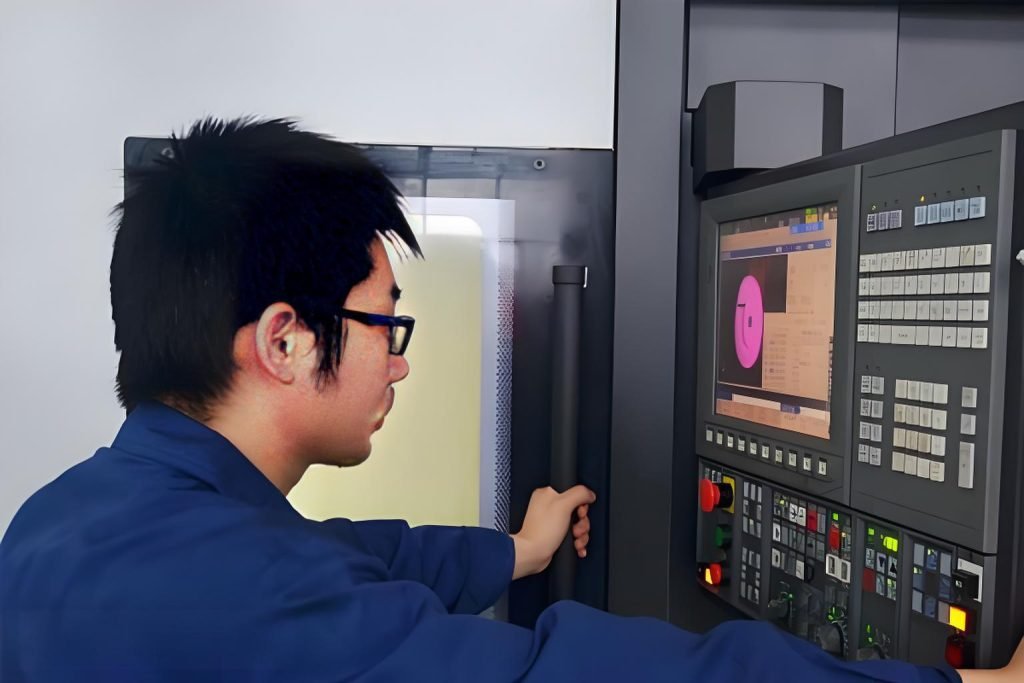
Sample program moves and a safety block in context
O00001 (Example program)
G17 G20 G40 G49 G80 G90 (safety block and absolute positioning)
T1 M06
S9200 M03
G54 M08
G00 X-120. Y-3. Z2.
G43 H01 Z1. F30.0
G01 Z-0.125 F10.0
Typical tool change and machine sequence
Use cutter comp G41 on a profile, then cancel with G40 on lead-out.
Show an arc with G02 I10. J0. for circular interpolation, and include G04 P1.0 to allow spindle speed to stabilize.
Use G98 G81 for drilling, cancel with G80, retract to safe Z, then M05 M09.
M00 (measure) then resume and finish with G28 G90 M30 %
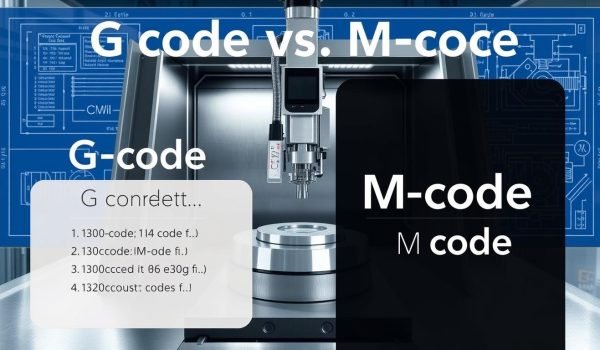
G Code vs M Code: Main Difference, How They Work Together, and Who Needs to Know Them
Understanding which lines move the cutter and which flip switches saves cycles and prevents crashes. Motion codes handle geometry and movements; machine codes run subsystems like spindle, coolant, and tool changers.
Geometry vs machine functions: the core distinction you should remember
Keep the split simple in your head: geometry codes tell the tool where to go. Machine functions tell the hardware what to do while it moves.
Real-world program flow: one G plus one M per block principle
For clean execution, put one primary motion and one machine action in the same block. That avoids conflicting states on your control and reduces alarms on different machines.
Who benefits from fluency and dialects that matter
Programmers, operators, supervisors, and QA all gain when you read and edit programs well. CAM and software help, but knowing the programming language lets you tweak feeds, entry moves, and sequences for better parts.
Dialects differ — formats like G3 versus G03 or M3 versus M03 can require small changes when you move a program between cnc machines. Standardize posts to keep runs predictable.
Conclusion
A concise mental model makes writing and reviewing programs faster and safer for your shop floor.
Use G codes to command motion and geometry and M codes to control spindle, coolant, tool changes, stops, and program end. Keep safety blocks, explicit planes and units, and one miscellaneous command per block to avoid conflicts. Mentioned directives like G00–G03, interpolation, offsets, and compensation set motion precisely.
Fluency across your team improves setups, reduces scrap, and speeds first-pass yield on every cnc machine. Treat each program as a living asset: version it, document posts aligned with your control, and refine feeds, speed, entry/exit moves, and cutting parameters using data from CAM or hands-on testing.